

Close Menu

    Subscribe to Updates

    Get the latest creative news from Healthradar about News,Health and Gadgets.

    Bitte aktiviere JavaScript in deinem Browser, um dieses Formular fertigzustellen.
    Wird geladen
    What's Hot

    A drop in CDC health alerts leaves doctors ‚flying blind‘

    7. Februar 2026

    Nearly 40% of All Cancers Caused by Preventable Risk Factors

    7. Februar 2026

    ICYMI: the week’s 7 biggest tech stories from Alexa+ leaving early access to the Fitbit founders‘ a new health tracking platform

    7. Februar 2026
    Facebook X (Twitter) Instagram
    Facebook X (Twitter) Instagram Pinterest Vimeo
    healthradar.nethealthradar.net
    • Home
    • Ai
    • Gadgets
    • Health
    • News
    • Contact Us
    Contact
    healthradar.nethealthradar.net
    Home»Ai»Got a new Apple Watch? Here are 3 hidden features you’re probably not using (but should be)
    Ai

    Got a new Apple Watch? Here are 3 hidden features you’re probably not using (but should be)

    HealthradarBy Healthradar17. Januar 2026Keine Kommentare4 Mins Read
    Share Facebook Twitter Pinterest LinkedIn Tumblr Reddit Telegram Email
    Got a new Apple Watch? Here are 3 hidden features you’re probably not using (but should be)
    Share
    Facebook Twitter LinkedIn Pinterest Email


    Apple continues to refine the Apple Watch with every watchOS release, and even long-time users often overlook common features that can make daily life noticeably easier.

    Whether you’re wearing the Apple Watch Series 10, the newer Apple Watch Series 11, the Apple Watch Ultra 3 or the SE 3, Apple’s software hides plenty of tools that quietly boost convenience, health tracking, and navigation.
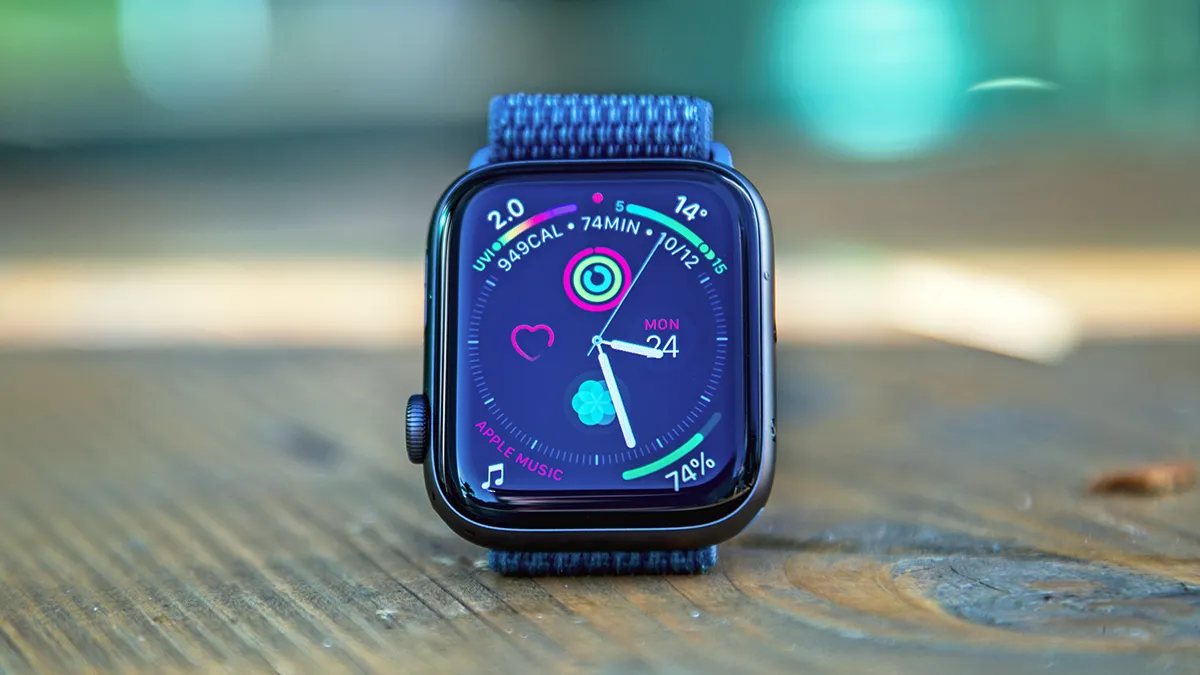
    In this guide, we highlight three features that rarely get the attention they deserve, yet can genuinely improve how you use your watch from morning to night, making the most of the gadget.


    You may like

    Despite being available across recent versions of watchOS, these tools tend to sit a few taps beneath the surface, so most people never discover them unless they go looking.

    Today’s best Apple Watch Series 9, Apple Watch Series 10 and Apple Watch Ultra 2 deals

    Apple Watch 4

    (Image credit: TechRadar)

    1. Nightstand Mode

    Nightstand Mode (sometimes also known as Bedside Mode) is one of the Apple Watch’s simplest yet most easily missed features.

    When your watch is placed on its side and connected to power, it switches into a low-light clock display that’s ideal for a bedside table.

    The time appears in large, softly lit digits, and the screen stays dark until you nudge the watch or tap the surface it’s resting on.

    Sign up for breaking news, reviews, opinion, top tech deals, and more.

    Apple refined this mode in watchOS 10 and watchOS 11, improving the way it dims in darker rooms and adding tighter integration with your iPhone’s alarms, so your morning alerts remain consistent across both devices.

    It’s particularly helpful if you prefer a minimal sleep setup but still want the reassurance of a visible clock. If you use an iPhone with StandBy Mode, the two displays complement each other neatly.

    To turn it on, open Settings on your Apple Watch, tap General, then enable Nightstand Mode. From there, it works automatically whenever the watch is connected to power and positioned on its side.
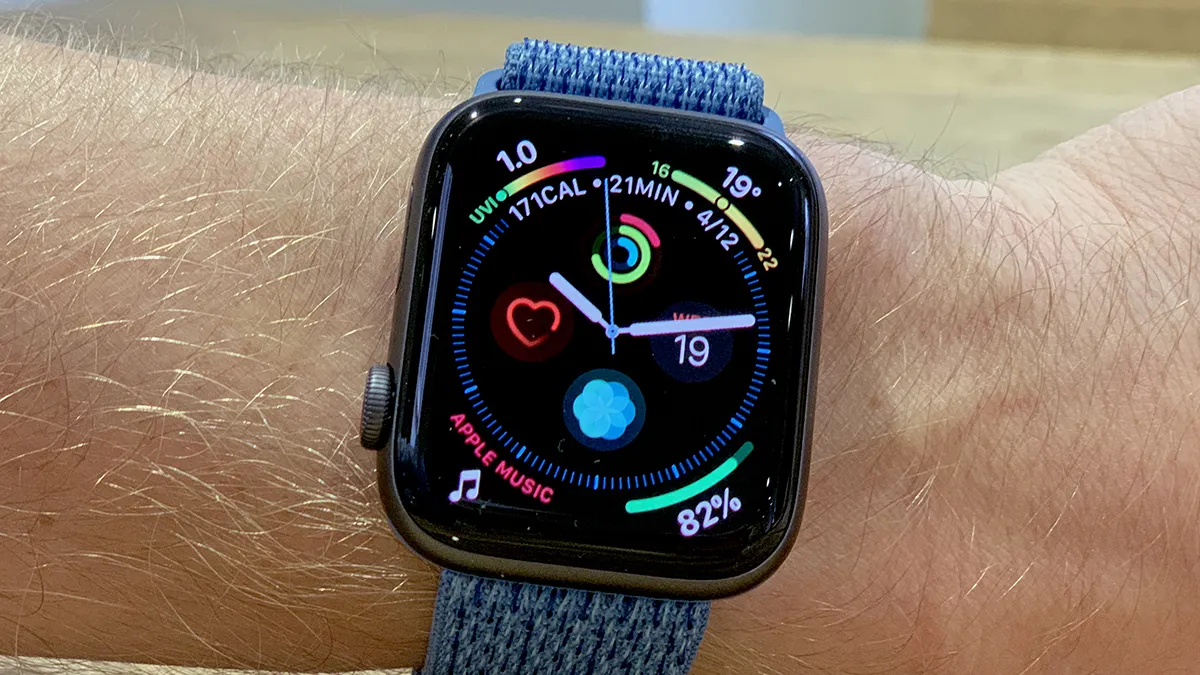

    You may like

    Apple Watch 4

    (Image credit: Future)

    2. Chain Together Your Workout

    Apple’s workout tracking has steadily grown more flexible, and one of the most underrated additions is the ability to chain activities into a continuous session.

    First introduced in watchOS 9 for triathletes and multi-sport users, the feature has expanded to support far more combinations of different workouts, such as strength and running – in case you want to follow your weightlifting session with treadmill work.

    Instead of stopping and starting individual workouts, you can link multiple activities – such as a warm-up, a run, a strength session, and a cooldown – into one coherent timeline.

    Setting it up is straightforward: open the Workout app, scroll to the activity you want, then choose Create Workout or Custom.

    Here, you can add multiple segments in the order you prefer, selecting durations, targets, or automatic transitions.

    Once saved, the workout appears in your list for quick access. It takes a little experimenting to get the flow right, but once you’ve built a custom routine, it makes mixed training feel more joined-up.

    Watch maps

    3. Offline Maps Navigation

    Offline Maps arrived on the Apple Watch with watchOS 10, building on the offline mapping tools introduced for the iPhone in iOS 17.

    Once enabled, it lets you navigate without mobile data or a nearby iPhone, which is ideal when travelling, exercising without your phone, or moving through patchy-signal areas.

    You still get turn-by-turn directions, route previews, and the same gentle haptics that make Apple’s navigation easy to follow.

    To set it up, download the relevant map area on your iPhone by opening Apple Maps, tapping your profile icon, and choosing Offline Maps. Saved regions sync automatically to the Apple Watch, provided you have enough storage. With a bit of planning ahead of time, you can save a map of a new city onto your iPhone and navigate via your smartwatch, all without using your data.

    Routes planned on either device work normally when offline, with the watch guiding you through haptics and simple on-screen prompts.

    With watchOS 26 improving battery management for GPS and compass features, offline maps reduce data reliance and give you a more dependable way to explore unfamiliar places safely.


    Follow TechRadar on Google News and add us as a preferred source to get our expert news, reviews, and opinion in your feeds. Make sure to click the Follow button!

    And of course you can also follow TechRadar on TikTok for news, reviews, unboxings in video form, and get regular updates from us on WhatsApp too.


    Source link

    Apple Features hidden Watch Youre
    Share. Facebook Twitter Pinterest LinkedIn Tumblr Email
    Previous ArticleThe facts on the vaccines the CDC no longer recommends for all kids
    Next Article Measles vaccine acceptance is mixed amid outbreaks across the US: Experts
    ekass777x
    Healthradar
    • Website

    Related Posts

    Ai

    ICYMI: the week’s 7 biggest tech stories from Alexa+ leaving early access to the Fitbit founders‘ a new health tracking platform

    7. Februar 2026
    Ai

    Redditors have found a Whoop subscription hack that’s saving them big money – but it comes with caveats

    6. Februar 2026
    Health

    I ran the London marathon with this Garmin watch, and it’s half price right now – just in time for your own training plan

    6. Februar 2026
    Add A Comment
    Leave A Reply Cancel Reply

    Top Posts

    Garmin Venu 4: Everything we know so far about the premium smartwatch

    7. August 202586 Views

    Nanoleaf LED face mask review: fantastic value for money, but only by cutting some corners

    16. Oktober 202551 Views

    The Top 3 Tax Mistakes High-Earning Physicians Make

    7. August 202535 Views

    Dexcom raises sales expectations, discusses G8 plans

    31. Juli 202523 Views
    Stay In Touch
    • Facebook
    • YouTube
    • TikTok
    • WhatsApp
    • Twitter
    • Instagram
    Latest Reviews

    Subscribe to Updates

    Bitte aktiviere JavaScript in deinem Browser, um dieses Formular fertigzustellen.
    Wird geladen
    About Us

    Welcome to HealthRadar.net — your trusted destination for discovering the latest innovations in digital health. We are dedicated to connecting individuals, healthcare professionals, and organizations with cutting-edge tools, applications

    Most Popular

    Garmin Venu 4: Everything we know so far about the premium smartwatch

    7. August 202586 Views

    Nanoleaf LED face mask review: fantastic value for money, but only by cutting some corners

    16. Oktober 202551 Views
    USEFULL LINK
    • About Us
    • Contact Us
    • Disclaimer
    • Privacy Policy
    QUICK LINKS
    • Ai
    • Gadgets
    • Health
    • News
    • About Us
    • Contact Us
    • Disclaimer
    • Privacy Policy
    Copyright© 2025 Healthradar All Rights Reserved.

    Type above and press Enter to search. Press Esc to cancel.